
Organization Tips for a Photographer’s Home Office
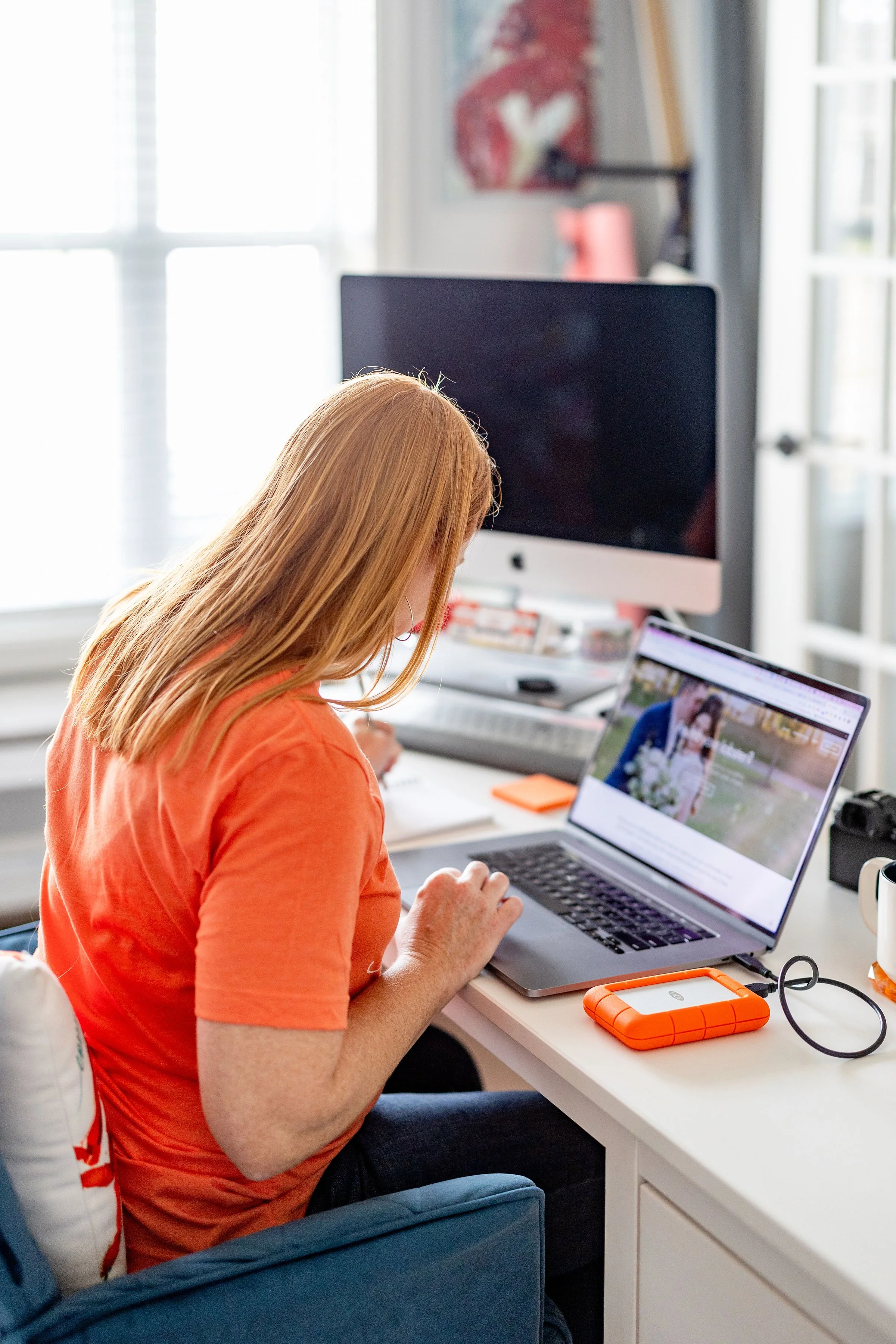
A photographer’s home office does more than hold a desk and a computer. It supports editing, client communication, file management, gear preparation, and creative planning. When clutter builds up, the entire workflow slows down.
A well-organized office helps you move from one task to the next with less friction. You can find the lens cap, access the right hard drive, send a gallery, and prep for tomorrow’s shoot without digging through piles of gear. With a few organization tips, your home office can support both your business and your creativity.
Create Clear Work Zones
Start by dividing your office into zones based on your workflow. Keep your editing station separate from your gear storage area, even if you have only a small room. This structure helps you avoid mixing camera bags, memory cards, paperwork, and client notes in a single crowded space.
Your editing zone should hold your monitor, keyboard, tablet, card reader, notebooks, and any tools you use daily. Your gear zone should hold cameras, lenses, batteries, chargers, tripods, straps, and bags. When every item has a logical home, you can reset the space more quickly at the end of each workday.
Control Your Cable Clutter
Photographers often rely on more cords than they realize. Charging cables, hard drive cords, monitor cables, camera tethers, power strips, and USB hubs can quickly create a tangled mess behind the desk.
Use simple cable management tools to keep everything clean and easy to reach. Cable ties are a workplace computer accessory you need because they help group cords, prevent tangles, and make your desk look more professional. Label each cord near the plug so you can identify it without tracing it back to the device.
Keep one charging station for batteries, phones, tablets, and other small electronics. This setup reduces desk clutter and helps you spot missing batteries before you leave for a shoot.
Store Gear With Intention
Camera gear needs protection and easy access. Store lenses upright with their caps on, place camera bodies in padded compartments, and keep smaller accessories in labeled containers. Clear bins work well for filters, cleaning cloths, triggers, straps, and spare plates.
Avoid tossing gear into random drawers after a long shoot. That habit can lead to misplaced memory cards, dead batteries, or damaged accessories. Establish a simple post-shoot routine to unload bags, charge batteries, back up files, and return equipment to its assigned space.
Protect Your Digital Files
A clean office should also support clean digital habits. Set up a file system that helps you track client work from import to delivery. Use consistent folder names that include the client’s name, date, and project type.
Keep external drives in a designated location, and label each drive clearly. You can also use a small desktop organizer or a drive case to separate active projects from archived files. When your physical storage aligns with your digital workflow, you’ll spend less time searching and more time editing.
Keep Paperwork Under Control
Even photographers who run digital businesses still deal with paper. Contracts, notes, receipts, print orders, packaging slips, and client questionnaires can pile up fast. Use a slim file organizer to separate active client documents, tax records, vendor paperwork, and creative ideas.

Place a small tray on your desk for papers that need attention that week. Clear it before it turns into a catchall. This habit keeps urgent tasks visible without letting paperwork take over the room.
Refresh the Space Often
Desk organization for a photography business works best when you maintain it regularly. Spend a few minutes at the end of each day clearing your desk, putting gear away, and checking your charging station. A weekly reset can help you wipe surfaces, sort paperwork, empty trash, and return borrowed items to their proper place.
Your office should help you feel focused, prepared, and ready to create. When you give your equipment, files, and tools clear homes, you remove daily distractions from your workflow.
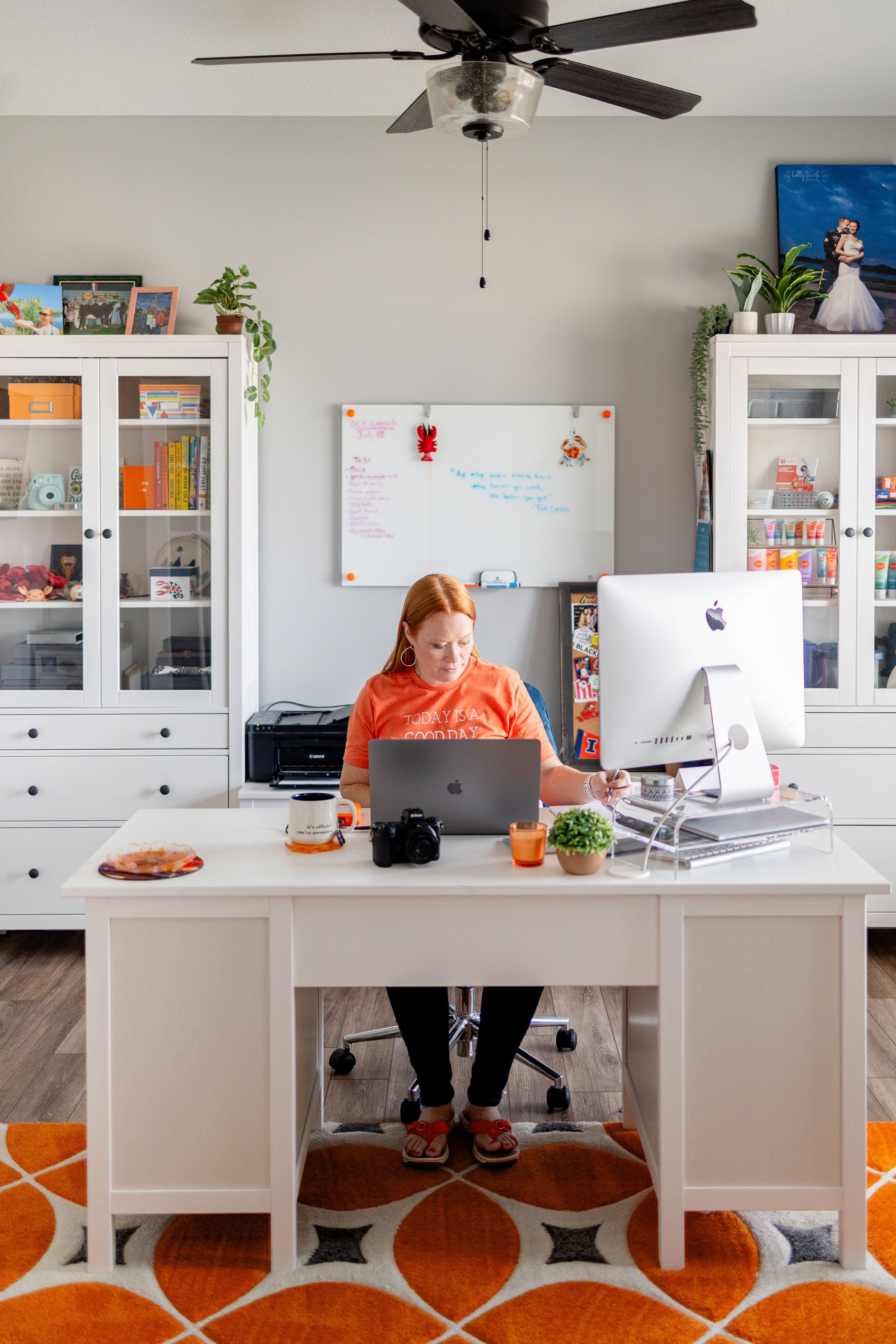
THEN! Once you’ve gotten your office all organized, consider booking a brand session! You can do one in your office like this one I did after I got all my new furniture and cabinetry for my home office! 🧡
Photos in this post by Rebekah Albaugh.